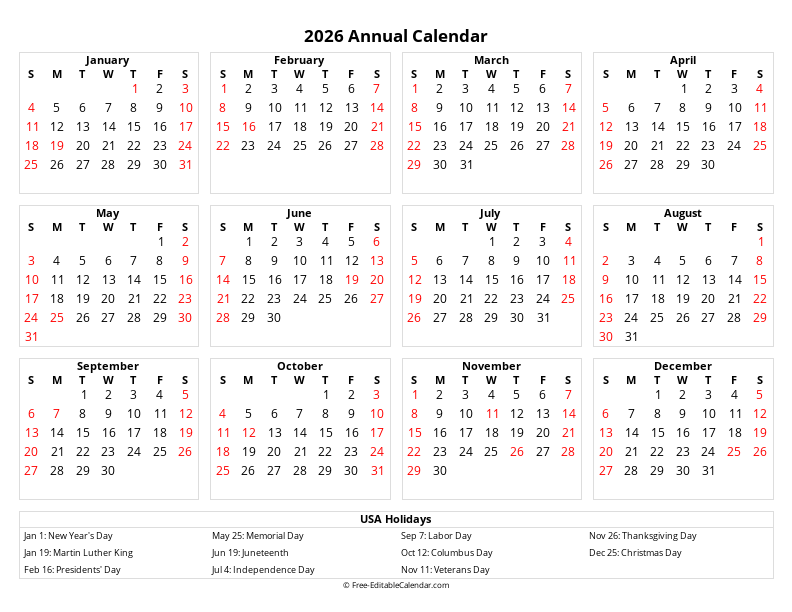
This free 2027 monthly calendar generator creates clean, printable calendars with one month per page. Generate up to 12 consecutive months, each on its own separate page - perfect for binders, planners, or wall displays.
Calendar Features
- One month per page layout
- Generate 1 to 12 pages at once
- Choose any starting month
- Portrait or landscape orientation
- Multiple paper sizes available
- Week starts on Sunday or Monday
- Free to download and print
Download Formats
- PDF - Best for printing (multi-page)
- PNG - High resolution image
- Excel - Editable spreadsheet
- Word - Editable document
Tips
- Generate 12 pages for a full year
- Use landscape for more writing space
- PDF format preserves page breaks
- Perfect for 3-ring binders
About 2027 Printable Monthly Calendar
Our free 2027 monthly calendar generator creates professional-quality printable calendars with one month displayed per page. Unlike multi-month calendars that cram several months onto a single sheet, this format gives each month its own dedicated page with plenty of space for notes and appointments.
One Month Per Page Format
This calendar style is ideal for users who prefer a clean, uncluttered view of each month. With one month per page, you get:
- Large date boxes: More space to write appointments, events, and reminders
- Clear visibility: Easy to read from across the room when posted on a wall
- Binder-friendly: Perfect for adding to planners, binders, or folders
- Individual printing: Print only the months you need
Generate Multiple Pages at Once
While each month appears on its own page, you can generate up to 12 consecutive months in a single download. This is perfect for:
- Creating a full year of monthly calendars at once
- Generating a specific range of months (e.g., school year from September to June)
- Printing quarterly batches for regular updates
Why Choose Our 2027 Monthly Calendar?
Our calendar generator offers several advantages:
- Completely Free: No registration, no hidden fees, and no watermarks
- Instant Preview: See your calendar before downloading
- Multiple Formats: Download as PDF (with proper page breaks), Excel, Word, or PNG
- Mobile-Friendly: Create calendars from any device
- Privacy-Focused: All generation happens in your browser
How to Use
- Select Start Month: Choose which month to begin with
- Set Number of Pages: Choose 1-12 pages (one month per page)
- Choose Week Start: Sunday or Monday
- Pick Paper Size: Letter, A4, Legal, or A3
- Select Orientation: Portrait or Landscape
- Download or Print: Get your calendar in your preferred format
Printing Tips
For best results, download the PDF format which preserves proper page breaks between months. When printing multiple months, each month will automatically start on a new page. For durability, consider using cardstock paper, especially for wall-mounted calendars.
Frequently Asked Questions
How many months can I generate at once?
+
You can generate anywhere from 1 to 12 consecutive months. Each month will be on its own separate page, so if you select 12 months, you'll get a 12-page document with one month per page.
What's the difference between this and the yearly calendar?
+
This monthly calendar shows one month per page with large date boxes for writing. The yearly calendar shows all 12 months on a single page in a compact overview format. Choose monthly for detailed planning; yearly for quick reference.
What formats can I download the 2027 monthly calendar in?
+
You can download in: PDF (best for printing with proper page breaks), PNG Image (high resolution), Excel (.xlsx) (editable spreadsheet), and Word (.docx) (editable document). PDF is recommended for multi-month downloads.
Is this calendar free to download?
+
Yes! All calendars on free-editablecalendar.com are 100% free to create, customize, download, and print. No registration required, no watermarks, and no limitations on how many calendars you can create.
Can I print just one specific month?
+
Yes! Simply select your desired month from the "Start Month" dropdown and set "Number of Pages" to 1. You'll get a single page with just that month. This is perfect for replacing a damaged page or printing an upcoming month.
What paper size should I use?
+
Letter (8.5" × 11") is standard for US users and fits most binders. A4 is the international standard. Legal and A3 provide more space for notes. Landscape orientation gives wider date boxes; Portrait is better for wall posting.