2026 Word Calendar Templates
Editable monthly, yearly, quarterly, and bi-monthly layouts for 2026
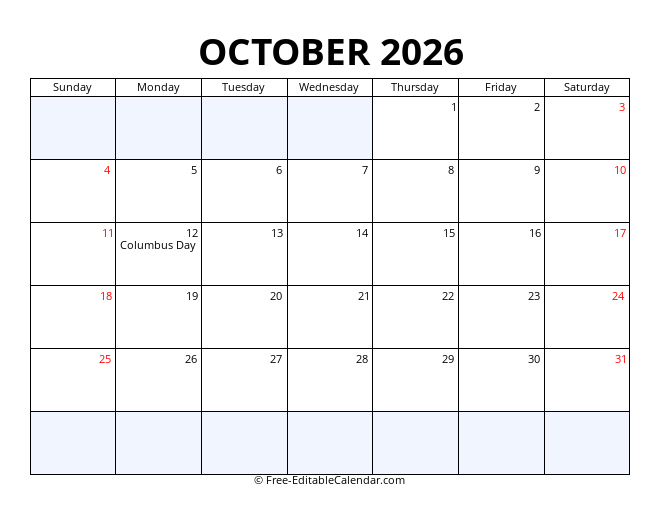
Monthly Calendar
Editable one-month-per-page layout with tables you can modify. Add your own events, change colors, and customize fonts in Microsoft Word.

Yearly Calendar
Full 2026 year on one editable page. Modify the grid, insert your company logo, or adjust colors to match your branding.

Quarterly Calendar
Three-month editable view for business quarters. Perfect for quarterly reports, project timelines, and fiscal planning in Word format.
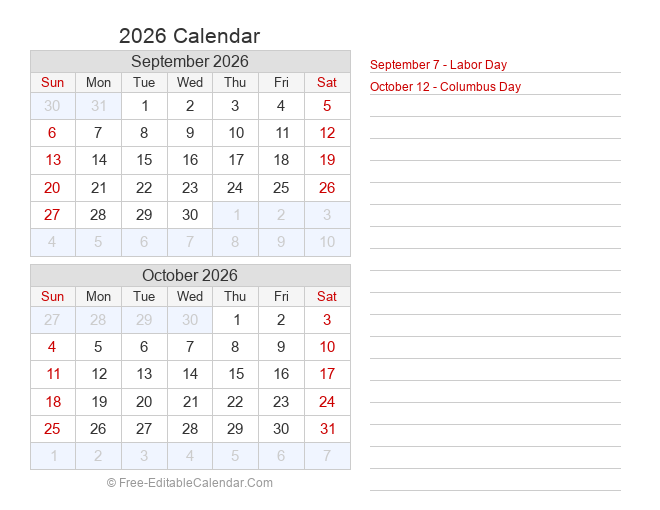
Bi-Monthly Calendar
Two-month side-by-side editable layout. Great for medium-term planning across month boundaries with full Word customization freedom.
2027 Word Calendar Templates
Plan ahead with fully editable 2027 calendar layouts in Microsoft Word format.
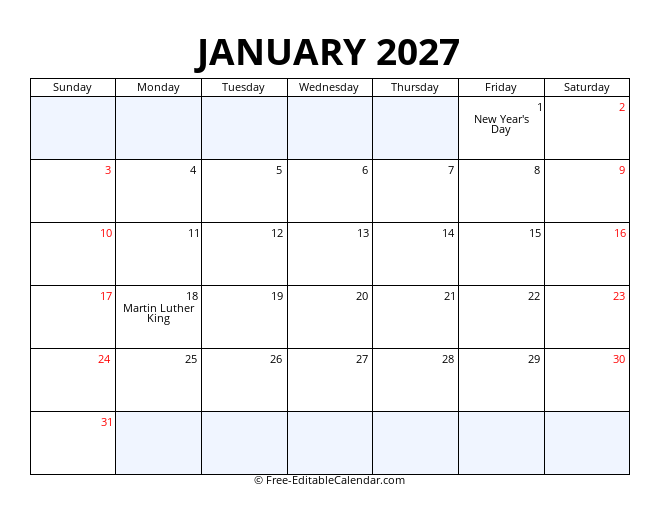
Monthly Calendar
Detailed editable month-by-month layout for 2027. Type directly into cells, change themes, and personalize every page.

Yearly Calendar
Complete 2027 overview on one editable page. Strategic planning with full control over layout and design in Word.

Quarterly Calendar
2027 quarterly breakdown for business planning. Align fiscal quarters with editable three-month Word views.

Bi-Monthly Calendar
Dual-month 2027 editable view. Perfect for semester planning and cross-month project tracking in Word.
Why Use Word Calendar Templates?
Fully Editable
Change colors, fonts, text, and layouts. Add your logo and branding easily.
Microsoft Word
Native DOCX format compatible with Word 2010, 2013, 2016, 2019, 2021, and 365.
Google Docs Ready
Upload to Google Drive and edit directly in Google Docs without conversion issues.
Print Perfect
Edit first, then print. Adjust margins and paper size before creating physical copies.
Frequently Asked Questions
Free Editable Word Calendars for 2026 & 2027
Our free Word calendar templates give you complete creative control. Unlike PDFs that lock formatting, Word calendars let you modify every element — from fonts and colors to table structures and images. Download monthly, yearly, quarterly, and bi-monthly layouts for 2026 and 2027.
Why Choose Word Format?
Microsoft Word calendars are ideal when you need customization before printing. Add company branding, insert staff photos, change color schemes to match your decor, or resize tables to fit custom paper. Word files use standard DOCX format ensuring compatibility across all major word processors.
Format Comparison
Word Format
Fully editable. Customize text, colors, fonts, and images. Best for personalized or branded calendars.
PDF Format
Fixed layout. Best for immediate printing when no edits are needed. Preserves exact formatting.
Excel Format
Spreadsheet-based. Great for data manipulation, formulas, and linking to other workbooks.
Word Calendar Types
Monthly Word Calendars
Twelve separate pages, one per month. Each uses editable tables where you can type events directly into day cells. Add notes sections, change header colors, or insert clip art.
Yearly Word Calendars
All twelve months on one page in a compact grid. Perfect for wall calendars and annual overviews. Easily insert your company logo at the top.
Quarterly Word Calendars
Business-focused three-month views. Ideal for quarterly reports, project planning, and fiscal tracking. Tables can be expanded to include budget columns.
Bi-Monthly Word Calendars
Two-month spreads for medium-term planning. Great for tracking pay periods, school terms, or project sprints.
Editing Tips
- Use Styles: Apply Word's Heading styles to month names for consistent formatting
- Theme Colors: Use the Design tab to change the entire color palette in one click
- Table Tools: Use Layout > AutoFit to adjust column widths for different paper sizes
- Headers/Footers: Add page numbers or your name in the header for personalized planners
- Save as PDF: After editing, export to PDF for sharing while preserving your changes
Related Resources
- PDF Calendar Templates — Print-ready fixed-layout calendars
- Monthly Calendar — Interactive online monthly view
- Yearly Calendar — Full year overview with live customization
- Quarterly Calendar — Three-month business planning
Download Your Free Word Calendar
Choose a template above and start customizing in Microsoft Word today.
Last Updated: October 2026 | Format: DOCX / Word | Compatibility: Microsoft Word, Google Docs, LibreOffice, Apple Pages